

Most AI problems are context problems
When experts say AI output feels generic, the issue is usually not the model. It is that the model has no working context about the business behind the prompt.
Every new chat starts empty. That means your positioning, standards, audience, and way of thinking have to be rebuilt again and again.
This video shows a better approach: turn a Claude Project into a business assistant that already knows what matters before you ask it to write anything.
Why blank chats keep producing average work
In a standard chat, the model can only react to the prompt in front of it. If you ask it to draft an email, it will usually produce something competent, but broad. It does not know how your business speaks, what you sell, or what kind of judgment you expect.
That is why so much AI use ends up in a loop of refining, clarifying, and re-explaining. The tool is not failing because it is weak. It is failing because it has too little to work with.
The point of a business assistant is to shift that burden. Instead of rebuilding the context every time, you load the context once and let the system draw from it consistently.
A Claude Project can hold the missing context
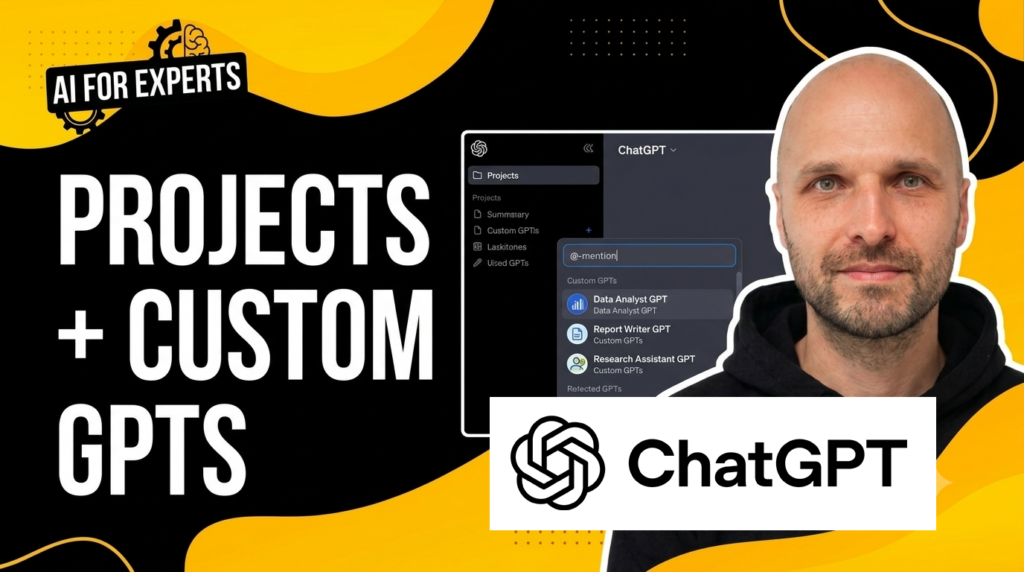
The walkthrough uses Claude Projects as the example, but the same idea applies to ChatGPT custom GPTs and Gemini Gems. If you’re working out which structure suits your workflow, see our breakdown of Custom GPTs vs ChatGPT Projects. The mechanism changes slightly by platform, but the principle is the same: give the model a structured base to work from.
The contrast in the video is simple. A blank chat produces a reasonable but vanilla email response. The project version produces something more aligned with the business, because it can pull from uploaded materials and instructions.
That is the practical value here. You are not trying to make the model smarter in some abstract sense. You are making its first draft more relevant to the way your business actually operates.
The five documents that make the assistant useful
The video sets out five core documents that form the foundation of the assistant:
- a vision framework, which explains what the business is building and why it matters
- an ideal customer profile, which defines who the business is trying to help
- a value map or value canvas, which clarifies what clients want, what gets in the way, and where the business helps
- a pitch, which captures the short explanation of what the business does and why it matters
- a tone of voice guide, which shows how the business thinks and speaks
Together, these files turn a generic assistant into something that can produce better drafts because it has a clearer sense of the business behind the request. The better the documents, the better the outputs.
The video also notes that if you do not have these documents yet, there are prompts available to help create them. That matters because the assistant is only as good as the context you feed it.
Build one solid assistant before you build several
It is tempting to create separate assistants for sales, content, delivery, and other tasks right away. The video argues for a slower approach. Start with one solid assistant, use it across different tasks, and see where it works well and where it begins to strain.
That testing tells you where a specialist version is actually needed. It also prevents a bigger problem: multiple assistants built on inconsistent foundations.
If the context is not aligned across assistants, the outputs stop feeling like one business. You get mismatched tone, uneven standards, and more maintenance than value. One excellent assistant is better than several mediocre ones.
What to be careful about
There are two main cautions in the video. First, the context can go stale. If your positioning changes or your tone shifts, the assistant will not know unless you update the source material.
Second, the assistant is not autonomous. It does not think, decide, or replace judgment. It generates a plausible first draft based on the inputs it has. That is useful, but it is still a tool.
There is also a sharing issue. Yes, a custom GPT or equivalent can be shared with clients, but the context you used to build it may be internal in nature. Before sharing anything externally, check that the materials inside it reflect the impression you want to create.
The four-step path from setup to useful output
- Create the documents that define the business and its standards.
- Build the assistant in Claude, ChatGPT, or Gemini.
- Use it on real work and see how far it gets you.
- Refine the context, then build specialised versions only when needed.
Download the prompts and instructions used to build the foundation documents.
Join the mailing list
While you're here, why not join the AI for Experts mailing list? Get new workflows, prompts, and practical breakdowns to embed AI into your expertise business. Unsubscribe anytime.
That is the real argument of the video: better AI output starts with better context. If you want the model to sound like your business, you need to teach it what your business is.