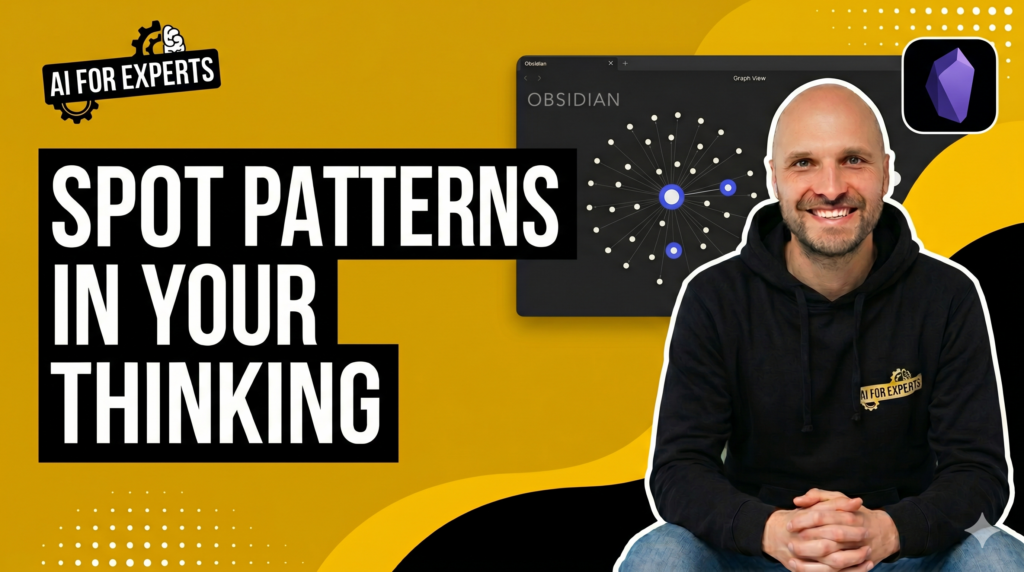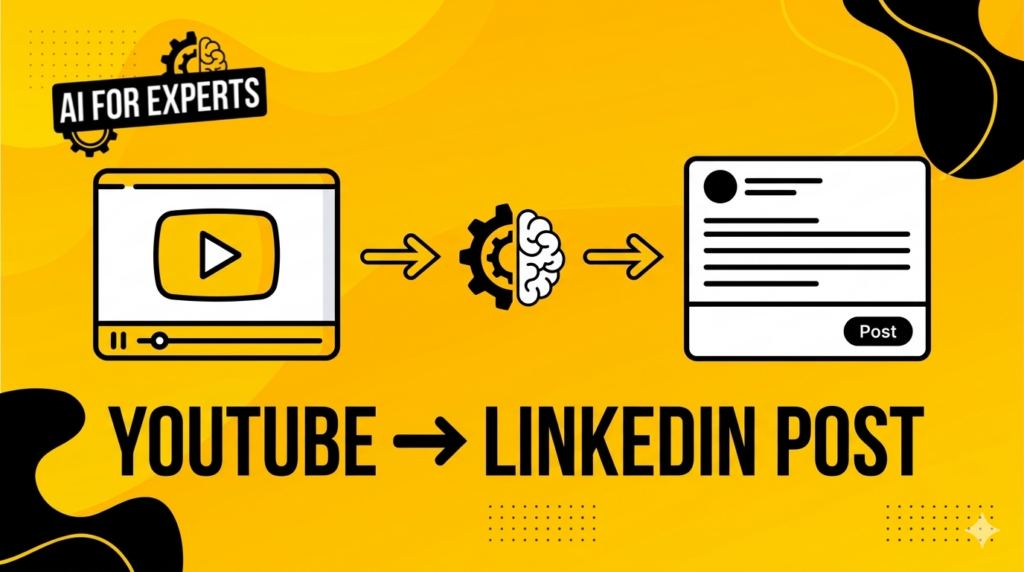

AI image generation has improved dramatically over the past couple of years. If you want to take visual consistency further with full brand system generation, see our guide to Claude Design for expert businesses.
You can describe an idea, press generate, and get something visually impressive in seconds.
But most people discover the same problem almost immediately.
The first image looks great. The second one looks slightly different. And by the third image, it looks like it came from an entirely different brand.
The real problem with AI image generation
Most AI image tools are very good at creating individual images.
What they are not naturally good at is maintaining consistent visual identity across multiple images.
This happens because the model isn’t actually working from a defined style system. Instead, it is interpreting your prompt slightly differently each time.
Small variations in interpretation lead to noticeable changes in:
- Colour palettes
- Illustration style
- Lighting and composition
- Texture and rendering approach
Which means that even when the images are individually good, they don’t feel like they belong together.
And if you’re creating graphics for content, presentations, or brand assets, that inconsistency becomes a problem very quickly.
The simple shift that fixes the problem
The solution is surprisingly simple.
Instead of trying to generate consistent images directly, you first extract the style definition from a set of images you already like.
Once the style is defined, you can reuse that description every time you generate a new image.
Think of this as creating a small visual style system for your AI images.
Once it exists, the model has clear guidance on how the images should look.
The three-step workflow
The workflow used in the video is deliberately simple.
1. Collect reference images
Start by gathering a small set of images that represent the visual style you want.
These could come from:
- Design inspiration
- Previous graphics you like
- Illustrations you want to replicate stylistically
The key idea is that these images represent the style you want to reproduce consistently.
2. Ask AI to extract the style
Upload those reference images to an AI model and use the prompt below to extract the visual style.
Join the mailing list
While you're here, why not join the AI for Experts mailing list? Get new workflows, prompts, and practical breakdowns to embed AI into your expertise business. Unsubscribe anytime.
The model will typically analyse elements like:
- Colour usage
- Line weight
- Composition
- Illustration characteristics
- Texture and rendering style
The result is essentially a written style definition.
This becomes your reusable prompt foundation.
3. Reuse the style definition
Now when generating new images, you include that style definition in the prompt.
Instead of simply describing the subject of the image, you’re also instructing the model on the visual system it should follow.
This dramatically improves consistency across multiple generated images.
Why this approach works
At its core, the model isn’t trying to guess the style anymore.
It has a clear description of what the style looks like.
Which means each image is generated within the same visual boundaries.
The result feels far more cohesive.
And once you’ve created the style definition once, you can reuse it repeatedly.
In effect, you’ve created a small visual style engine for your graphics.
Where this becomes useful
This approach becomes particularly useful when creating:
- YouTube thumbnails
- Slide graphics
- Blog illustrations
- Course visuals
- Social content
Anywhere you need multiple images that feel like they belong to the same visual system.
Key takeaway
The biggest mistake people make with AI image tools is trying to control the output only through prompts about the subject.
The more effective approach is to define the style first.
Once that exists, generating consistent visuals becomes much easier.